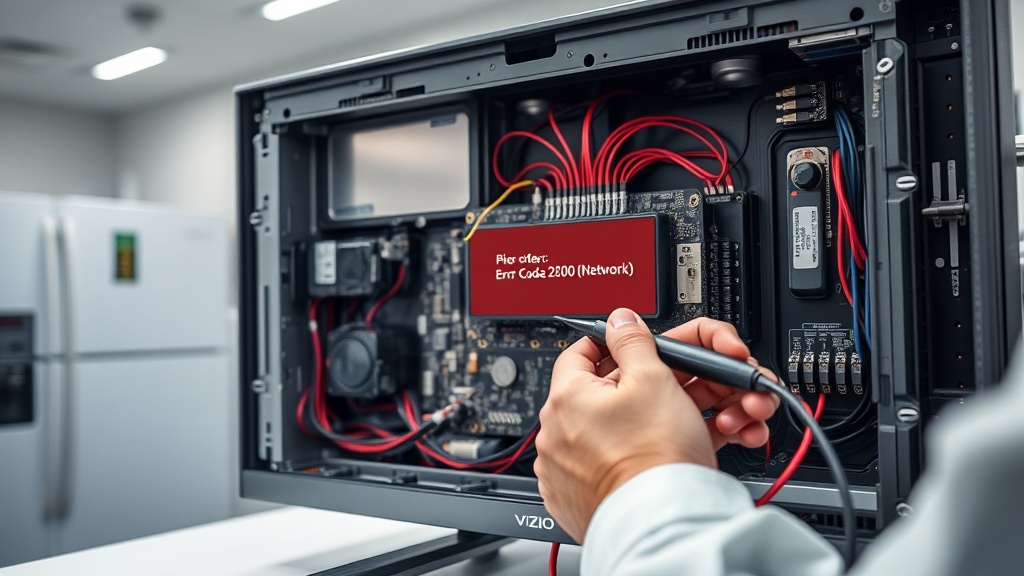
Encountering a Vizio Smart TV Error Code 2800 Network Fix issue can be incredibly frustrating when you just want to stream your favorite shows. This specific error usually indicates a communication breakdown between your television and the SmartCast servers.
As a professional technician, I have seen this error stem from unstable network layers, router isolation settings, or firmware state issues. Fortunately, most users can resolve this without calling for a repair service by following a few systematic steps.
Understanding the Vizio Smart TV Error Code 2800 Network Fix
The root cause of this error often lies in how your router assigns IP addresses via DHCP. If the TV fails to receive a valid handshake from the server, the SmartCast interface will loop or fail to load entirely.
Additionally, modern mesh networks sometimes use “Guest Mode” or “Device Isolation” which prevents the TV from communicating with the local network. Checking these settings is a vital part of the diagnostic process.
Step-by-Step Repair Guide
Follow the table below to systematically troubleshoot and resolve the connectivity issues on your Vizio device. These steps are ranked from the least invasive to the most technical solutions.
[IMAGE_PLACEHOLDER]
| Step | Action | Tools Needed |
|---|---|---|
| 1 | Switch to Ethernet: Disconnect Wi-Fi and plug in a physical LAN cable to test stability. | Ethernet Cable |
| 2 | Soft Reset: Hold the TV power button for 5 seconds to drain residual power. | None |
| 3 | Reset Network: Navigate to Menu > Network > Reset Network Settings. | TV Remote |
| 4 | DNS Adjustment: Manually set DNS to 8.8.8.8 or 8.8.4.4 in the network settings. | TV Remote |
| 5 | Router Check: Disable “AP Isolation” or “Guest Mode” in your router admin panel. | PC/Smartphone |
If the TV works perfectly over Ethernet but fails on Wi-Fi, the issue is likely signal interference or a failing Wi-Fi module. If both fail, the problem is almost certainly related to your ISP’s DNS or a deeper firmware corruption.
Recommended Replacement Parts
Disclaimer: This section contains affiliate links. We may earn a commission at no extra cost to you.
Sometimes, the internal Wi-Fi card of a Vizio TV can fail due to heat or age. If software fixes do not work, consider upgrading your hardware components to ensure a stable connection.
Using a high-quality Cat6 Ethernet cable is the most reliable way to bypass internal Wi-Fi failures. Alternatively, a dedicated streaming stick can bypass the SmartCast system entirely if the internal software remains buggy.
FAQ
Why does my Vizio TV keep showing Error 2800?
This error occurs when the TV cannot establish a secure handshake with the SmartCast servers. It is usually caused by network congestion, incorrect DNS settings, or a temporary firmware glitch after an update.
Is a factory reset necessary for this error?
A factory reset should always be your last resort because it erases all your apps and login data. Most Error 2800 issues are resolved through a simple power cycle or by switching to a wired Ethernet connection.
Can a weak Wi-Fi signal cause this network error?
Yes, if the signal strength drops below a certain threshold, the TV may lose its IP assignment. This triggers the 2800 error code as the SmartCast platform requires a constant, high-speed data stream to function.