Comprehensive Sony Bravia TV 4 Red Blinks Panel Error Fix
Dealing with a Sony Bravia TV 4 Red Blinks Panel Error Fix can be frustrating, as it typically indicates a hardware failure within the backlight system. This specific error code is a protective measure triggered by the TV’s internal diagnostic system to prevent further damage to the panel.
Understanding the Root Cause of 4 Red Blinks
The 4-blink sequence on a Sony Bravia usually points to a failure in the LED backlight strips or the LED driver board, also known as the LD Board. When the system detects an abnormal voltage or current in the backlight circuit, it shuts down the power to protect the liquid crystal display.
In some cases, this error can also be triggered by a communication error between the mainboard and the panel. However, hardware degradation of the LED strips remains the most common culprit for this specific diagnostic code.
Step-by-Step Repair Guide
Repairing this issue requires a systematic approach, ranging from simple software resets to advanced hardware troubleshooting. Follow the table below to diagnose and resolve the error effectively.
| Step | Action | Tools Needed |
|---|---|---|
| 1. Soft Reset | Unplug the TV from the wall outlet for 60 seconds, then plug it back in to clear temporary glitches. | None |
| 2. Forced Factory Reset | Hold the Power and Volume Down buttons on the TV while plugging in the power cord until the LED turns green. | None |
| 3. Firmware Update | If the screen turns on, immediately update the system firmware to the latest version via the settings menu. | Internet Connection |
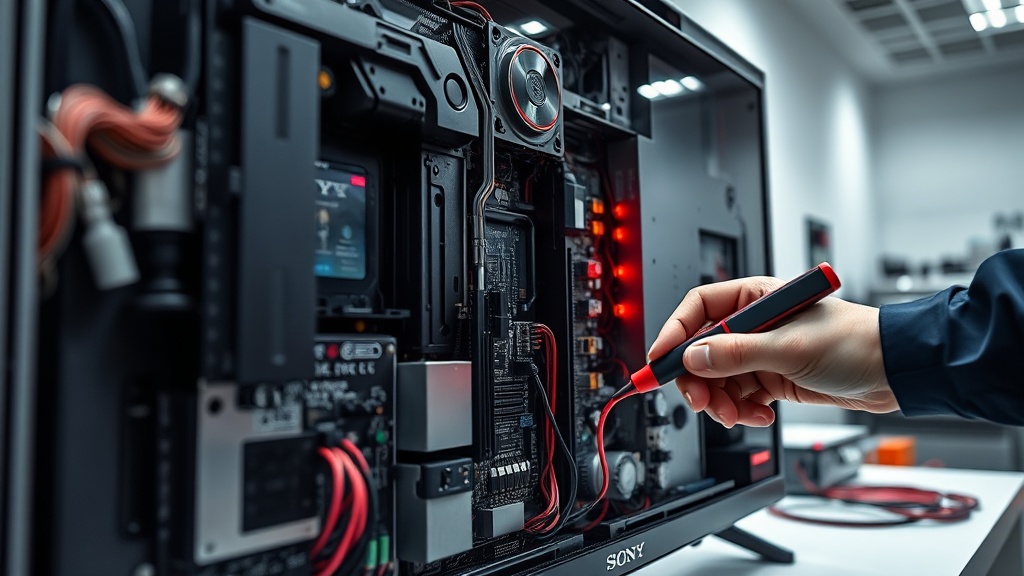
| 4. BL_ERR Bypass | Disassemble the TV and ground the BL_ERR pin (Pin 1) on the connector to bypass the protection circuit for diagnosis. | Soldering Iron, Wire |
| 5. Hardware Replacement | Identify dark spots on the screen after the bypass and replace the faulty LED strips or the LD Board. | Screwdriver, Suction Cups |
Advanced Diagnostic: The BL_ERR Bypass Method
For professional technicians, bypassing the BL_ERR signal is a common way to identify the exact location of the failure. By grounding the BL_ERR pin, you can force the TV to stay on, allowing you to see which part of the screen remains dark.
[IMAGE_PLACEHOLDER]
Please note that this bypass is strictly for diagnostic purposes and should not be used as a permanent fix. Operating the TV with a bypassed protection circuit can lead to overheating and potential fire hazards if the faulty LEDs are not replaced.
Recommended Replacement Parts
Disclaimer: This section contains affiliate links. We may earn a commission at no extra cost to you.
If your diagnosis confirms a hardware failure, you will need high-quality replacement parts to ensure the longevity of your repair. We recommend purchasing genuine Sony LED strips or certified LD boards to maintain original brightness and color accuracy.
Always verify your TV’s specific model number before ordering parts, as backlight strips vary significantly between different Bravia series. Using the correct components will prevent future voltage mismatches and recurring red blink errors.
FAQ
Can a software update fix the 4 red blinks error?
In rare cases where the error is caused by a firmware bug in the protection logic, a software update might resolve it. However, since this code usually indicates a physical voltage drop in the LEDs, hardware repair is typically required.
Is it safe to use the TV after bypassing the BL_ERR pin?
No, the bypass is only intended to help you identify which LED strips are burnt out. Leaving the bypass active permanently disables the safety circuit, which could lead to the internal components overheating or catching fire.
How much does it cost to fix the Sony Bravia 4 red blinks error?
If you perform the repair yourself, the cost of LED strips usually ranges from $30 to $80. Professional repair services may charge between $150 and $300, depending on the screen size and the complexity of the disassembly.