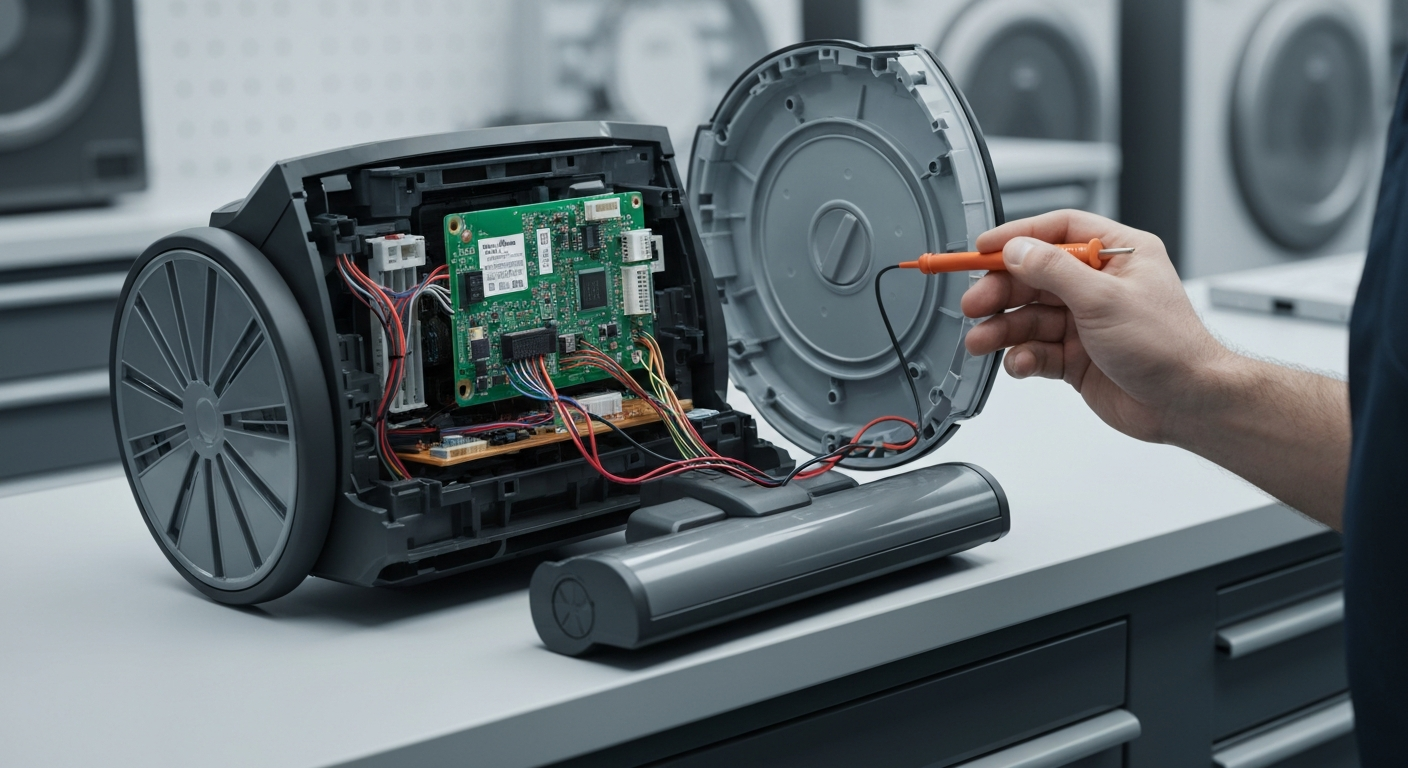
The Shark Vacuum Brush Roller Indicator Light Red error on Shark Upright Vacuums is caused by a physical obstruction in the brush roll, a blockage in the air path, or motor overheating due to clogged filters. This Shark Vacuum Brush Roller Indicator Light Red Fix guide will help you restore suction and rotation in minutes. Most issues are resolved by clearing debris and resetting the thermal protector.
Understanding the Shark Vacuum Brush Roller Indicator Light Red Fix
When the indicator light turns red, the vacuum’s internal sensors detect that the brush roll cannot spin at the required RPM. This is a safety feature designed to prevent the drive belt from snapping or the motor from burning out. You may also need to Shark vacuum suction loss issues if the red light is accompanied by poor cleaning performance.
Common Causes of Brush Roll Failure
The most frequent culprit is hair, string, or carpet fibers wrapped tightly around the brush roll ends. These fibers create friction that triggers the red light warning. Additionally, a full dust cup or clogged HEPA filter can restrict airflow, leading to a thermal trip that shuts down the brush motor.
Using the wrong setting on high-pile carpets can also cause the red light to appear. If the vacuum is set to “Carpet” mode on a very thick rug, the brush roll may struggle to spin against the resistance. It is often helpful to troubleshoot Shark vacuum overheating problems to ensure the motor isn’t being strained by external factors.
Step-by-Step Repair Guide
Follow these systematic steps to clear the error and get your vacuum back to work. Most users can complete this process in under 15 minutes without professional tools.
| Step | Action | Tools Needed |
|---|---|---|
| 1 | Power down and unplug the vacuum from the wall outlet. | None |
| 2 | Clear hair and debris from the brush roll using scissors. | Scissors / Seam Ripper |
| 3 | Check the nozzle, hose, and wand for any physical blockages. | Flashlight |
| 4 | Wash the foam and felt filters and let them dry for 24 hours. | Water |
| 5 | Reassemble, recline the handle, and turn the power back on. | None |
If the light remains red after cleaning, the vacuum may have entered a thermal protection mode. This requires the unit to sit unplugged for at least 60 minutes to allow the motor to cool down completely. Once cooled, the internal thermostat will reset, allowing the brush roll to engage again.
Recommended Replacement Parts
Disclaimer: This section contains affiliate links. We may earn a commission at no extra cost to you.
Sometimes, the brush roll or the drive belt may be physically damaged beyond repair. If you notice cracks in the plastic or if the bristles are completely worn down, replacing the floor nozzle assembly is the most cost-effective solution. Always ensure you purchase genuine Shark parts to maintain your warranty and ensure compatibility.
Regularly replacing your filters every 3 to 6 months can prevent the red light from appearing due to airflow restriction. High-quality HEPA filters ensure that the motor stays cool even during extended cleaning sessions. Keeping a spare set of filters allows you to use the vacuum while the other set is drying.
FAQ
Why is my Shark vacuum light red but there is no hair?
If the brush roll is clear, the red light likely indicates a blockage in the hose or a tripped thermal protector. Check the airway behind the brush roll and the connection point of the hose for hidden debris like coins or small toys.
How do I reset the brush roll on my Shark vacuum?
To reset the brush roll, turn off the vacuum and unplug it. Clear any obstructions, then plug it back in and step on the floor nozzle while pulling the handle back to recline the unit, as the brush roll will not spin in the upright position.
Can I use my Shark vacuum if the light is red?
No, you should not continue using the vacuum if the light is red. This indicates the brush roll has stopped spinning, and continuing to run the motor can lead to permanent damage or overheating of the internal components.