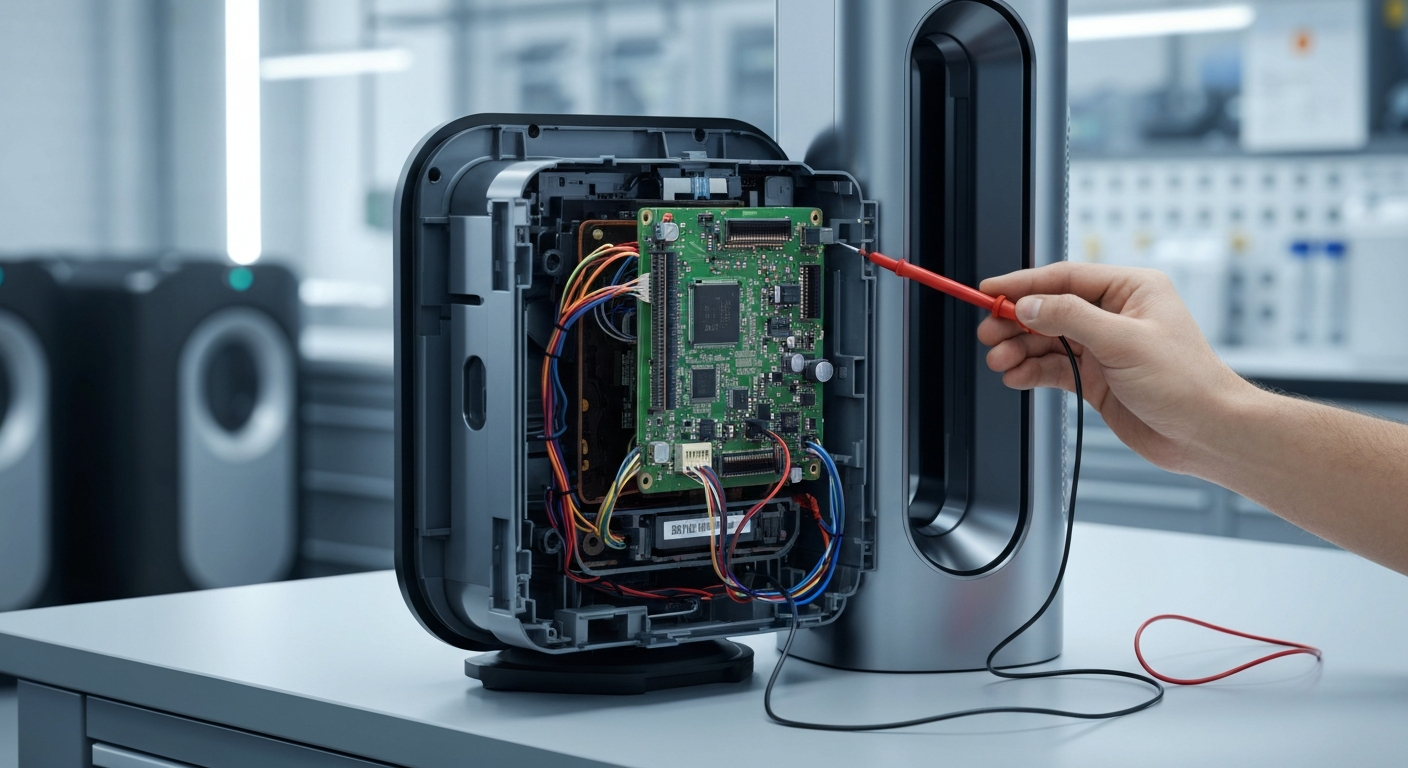
The F error on Dyson Pure Cool air purifiers is caused by the internal filter life timer reaching its limit, signaling that the HEPA or carbon filters need to be replaced. This notification is a standard maintenance alert rather than a mechanical failure of the device itself. To restore normal operation, you must perform a Dyson Pure Cool F Error Code Filter Reset after installing your new filters.
How to Perform a Dyson Pure Cool F Error Code Filter Reset
If you encounter other issues, you can check our Dyson purifier error codes guide for more details. Most display errors can be resolved with a simple sequence of button presses on your remote control.
Common Causes for the Persistent F Code
The most common reason the F code remains after a filter change is an incomplete reset sequence. The machine does not automatically detect a new filter; it relies on the user to manually trigger the reset via the remote or the app.
Physical obstruction or improper installation of the filter shroud can also prevent the sensor from recognizing the new component. Ensure that the clips on the side of the unit are fully engaged and clicking into place.
Step-by-Step Reset Instructions
Follow the steps below to clear the error code from your display. These steps apply to most Pure Cool models, including the TP01, TP02, and TP04 series.
| Step | Action | Tools Needed |
|---|---|---|
| 1 | Turn on the device and disable the oscillation feature. | Remote Control |
| 2 | Press and hold the Power button on the remote for 6 seconds. | Remote Control |
| 3 | Unplug the unit for 60 seconds if the code persists. | None |
| 4 | Remove and re-seat the filter to ensure the clips are tight. | Replacement Filter |
| 5 | Use the Dyson Link app to reset the filter life digitally. | Smartphone |
For persistent display issues, refer to the Dyson fan error F fix instructions. If the remote is unresponsive, check the battery or try using the buttons on the base of the unit if available.
Recommended Replacement Parts
Disclaimer: This section contains affiliate links. We may earn a commission at no extra cost to you.
Using high-quality HEPA filters is crucial for maintaining the longevity of your Dyson air purifier. Genuine Dyson filters or certified third-party alternatives ensure that the airflow remains consistent and the sensors function correctly.
Always verify the model number of your Pure Cool unit before purchasing a replacement. Incorrectly sized filters can lead to air bypass, which reduces the efficiency of the purification process and may trigger sensor errors.
FAQ
Why does my Dyson show F after I changed the filter?
The F code remains because the internal timer has not been reset. You must manually hold the Power or Night Mode button on your remote for 6 seconds to tell the machine a new filter is installed.
Can I reset the F code without a remote?
Yes, if your model is Wi-Fi enabled, you can reset the filter life through the Dyson Link app. Otherwise, you may need a replacement remote as the base buttons often lack the reset functionality.
Is the F error dangerous for the motor?
The F error itself is just a reminder, but running the machine with a clogged filter can strain the motor over time. It is best to replace the filter and reset the code as soon as possible to maintain performance.