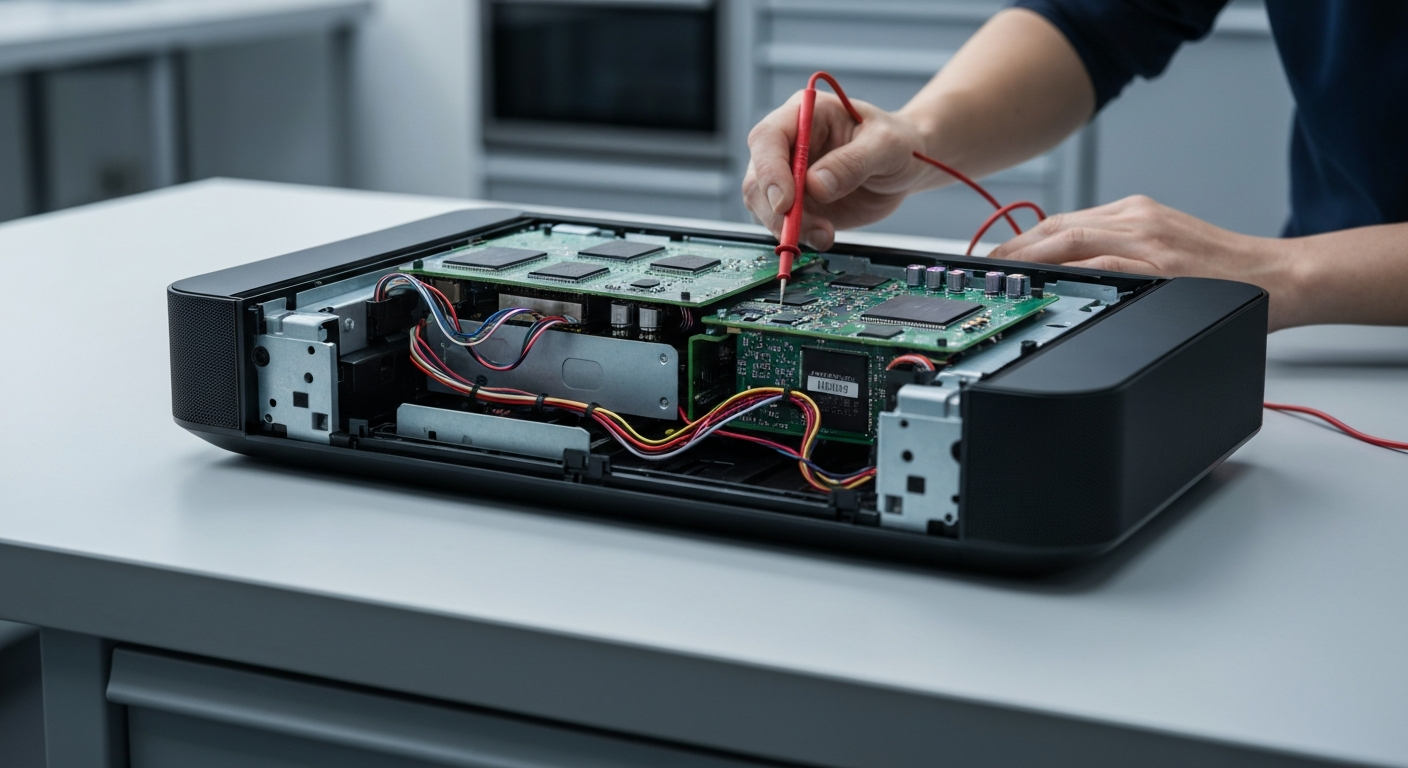
How to Fix Sonos Arc No Sound over eARC HDMI Handshake
The Sonos Arc No Sound over eARC HDMI Handshake error on Sonos Soundbars is caused by a communication breakdown between the TV’s Consumer Electronics Control (CEC) protocol and the soundbar’s eARC processor. This failure often occurs after firmware updates or due to signal interference from external streaming devices like Apple TV or cable boxes. Resolving this requires a systematic reset of the digital handshake between your home theater components.
When the handshake fails, the TV and soundbar cannot agree on the audio format or the transmission path. This results in total silence even though the Sonos app might show the device as connected. You may need to troubleshoot Sonos soundbar connection issues if the basic reset does not work immediately.
Step-by-Step Repair Guide for eARC Handshake Issues
Follow the table below to systematically restore the audio connection between your Sonos Arc and your television. These steps are designed to clear the cache of the HDMI controllers in both devices.
| Step | Action | Tools Needed |
|---|---|---|
| 1 | Unplug the power cords of both the TV and Sonos Arc for at least 2 minutes to discharge capacitors. | None |
| 2 | Disconnect the HDMI cable from both ends and inspect for debris or bent pins before reconnecting firmly. | HDMI 2.1 Cable |
| 3 | Navigate to TV Settings > Sound > Expert Settings and set HDMI-eARC Mode to ‘Auto’. | TV Remote |
| 4 | Disable CEC (Anynet+, SimpLink, etc.) on other connected devices like Apple TV or gaming consoles. | Device Remotes |
| 5 | Check the Sonos App and TV menu for the latest firmware updates to ensure compatibility. | Sonos App |
If you are using a specific brand of television, you might find more tailored advice in our Samsung TV ARC setup guide to ensure the internal settings are correct. Often, the TV’s internal software is the culprit behind the handshake failure.
Expert Tip for Persistent Handshake Failures
If a standard reboot fails, try the “Sequential Connection” method. Disconnect everything, enable CEC on the TV first, and then plug in the Sonos Arc while the TV is already powered on. This forces the TV to actively search for a new audio handshake partner.
Recommended Replacement Parts
Disclaimer: This section contains affiliate links. We may earn a commission at no extra cost to you.
Sometimes the issue is a physical limitation of the cable. Standard HDMI cables often lack the bandwidth required for high-resolution eARC signals. We recommend upgrading to a certified Ultra High Speed HDMI 2.1 cable to ensure stable data transmission between your Arc and TV.
FAQ
Why did my Sonos Arc suddenly stop playing sound?
This usually happens because of a CEC conflict where another device (like a cable box) sends a “standby” signal that confuses the HDMI handshake. It can also occur after a firmware update resets the TV’s audio output settings to default.
Does the HDMI cable quality matter for eARC?
Yes, eARC requires higher bandwidth than standard ARC to transmit uncompressed data like Dolby Atmos. Using an older HDMI cable can lead to intermittent sound drops or a complete failure of the HDMI handshake.
How do I know if my TV supports eARC?
Check the HDMI ports on the back of your TV for a label that specifically says “eARC/ARC.” You should also check your TV’s audio settings menu to see if an “eARC Mode” toggle is available for activation.