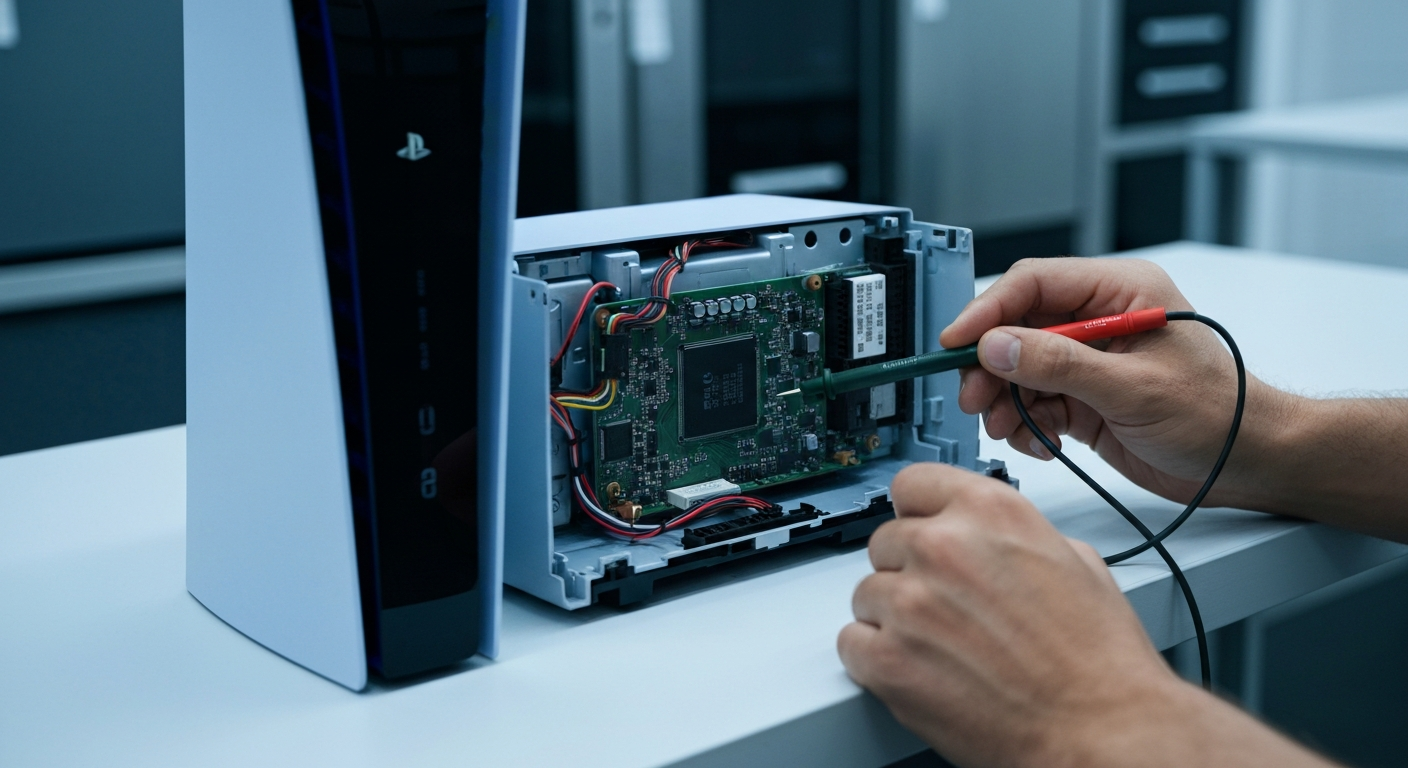
How to Fix PlayStation 5 Error CE-108255-1 Application Crash
The PlayStation 5 Error CE-108255-1 Application Crash error on Sony Gaming Consoles is caused by corrupted software data, system setting conflicts, or underlying hardware defects in the SSD or GPU. This error typically triggers an unexpected crash during gameplay or when launching a specific title.
When this error occurs, the console usually displays a message stating that “something went wrong with this game or app.” While it often stems from software glitches, it can also indicate a critical failure in the internal storage controller.
If you are experiencing other connectivity or disk issues, check our Sony PlayStation 5 error CE-100005-6 repair guide for more details. Understanding the root cause is the first step toward a permanent fix.
Common Symptoms of the CE-108255-1 Error
Users often report the game freezing for a few seconds before the error screen appears. In some cases, the console may shut down entirely or return to the home screen without warning.
This issue is not limited to a single game and can affect both digital downloads and physical discs. If the problem occurs across various titles, the likelihood of a hardware defect increases significantly.
Step-by-Step Guide to Resolve PlayStation 5 Error CE-108255-1
Follow the troubleshooting steps below to identify whether the issue is software-based or requires a hardware replacement. Start with the simplest software updates before moving to more advanced system resets.
| Step | Action | Tools Needed |
|---|---|---|
| 1 | Update System Firmware and Game Patches | Internet Connection |
| 2 | Disable HDR and Switch to Performance Mode | System Settings |
| 3 | Reinstall Game and Remove External Storage | None |
| 4 | Rebuild Database via Safe Mode | USB Cable (for Controller) |
| 5 | Perform a Full Factory Reset | External Drive (for Backup) |
| 6 | Contact Sony Support for Hardware Repair | Warranty Info |
For power-related problems or unexpected shutdowns, see our Sony PlayStation 5 error CE-108262-9 repair guide. These issues often overlap with application crashes.
Recommended Replacement Parts and Tools
Disclaimer: This section contains affiliate links. We may earn a commission at no extra cost to you.
If software troubleshooting fails, you may need to upgrade your storage or use specific tools for internal cleaning. A high-quality M.2 SSD can sometimes bypass issues related to the internal soldered storage.
We recommend using a specialized electronics toolkit to safely open your console for cleaning. Dust buildup on the APU or GPU can lead to overheating, which triggers the CE-108255-1 error.
FAQ
Is PlayStation 5 Error CE-108255-1 Application Crash always a hardware failure?
No, it is often caused by corrupted game data or system software bugs. However, if the error persists after a full factory reset and occurs in multiple games, it likely indicates a GPU or SSD defect.
Will rebuilding the database delete my saved games?
No, rebuilding the database only reorganizes the files on your drive to improve performance and fix errors. It does not delete your personal data, though a full factory reset will.
What should I do if the error only happens in one game?
If the crash is isolated to a single title, delete the game and reinstall it completely. Also, ensure that the game is updated to the latest version provided by the developer.