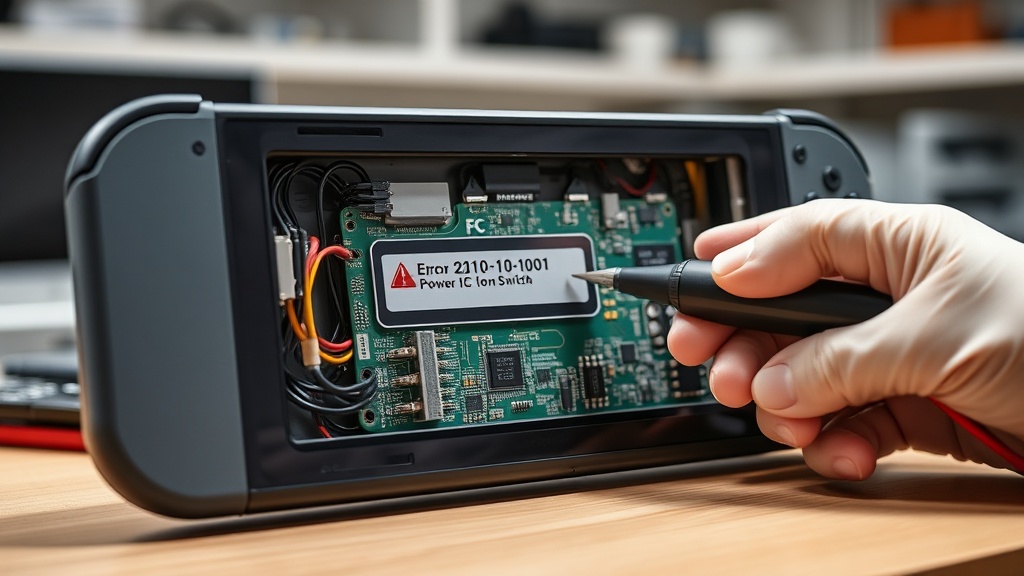
The 2101-0001 error on Nintendo Switch Handheld Consoles is caused by a communication failure between the M92T36 Power Management IC and the motherboard, typically resulting from a damaged USB-C port or faulty charging accessories. This Nintendo Switch Error 2101-0001 Power IC Fix guide provides a comprehensive walkthrough for diagnosing and repairing this critical hardware failure.
When this error occurs, the console usually fails to boot or crashes immediately upon connecting a charger. It is a hardware-level issue that requires precision tools and technical expertise to resolve effectively.
Understanding the Nintendo Switch Error 2101-0001 Power IC Fix
The M92T36 chip is responsible for managing the power handshake between the console and the official dock or charger. If the I2C data lines are interrupted due to physical damage or a short circuit, the system triggers the 2101-0001 error code to prevent further electrical damage.
Most cases involve bent pins inside the USB-C port or internal shorts within the IC itself. For more details on similar hardware issues, you can check our Nintendo Switch Error 2101-0001 repair guide for advanced troubleshooting.
Common Causes of Hardware Failure
Physical damage to the charging port is the most frequent culprit, often caused by inserting cables at an incorrect angle. Using non-compliant third-party docks or low-quality USB-C cables can also send improper voltage to the M92T36 chip, leading to immediate failure.
In some instances, liquid damage or debris inside the port can bridge connections, causing a short circuit. Regular maintenance and using official accessories are the best ways to prevent this error from recurring.
Step-by-Step Repair Guide for Error 2101-0001
Before proceeding with hardware repairs, ensure you have ruled out software glitches by performing a hard reset. If the console still displays the error, follow the technical steps outlined in the table below.
| Step | Action | Tools Needed |
|---|---|---|
| 1 | Software Reset: Hold power button for 15 seconds and attempt a reboot. | None |
| 2 | External Inspection: Clean the USB-C port with 90% Isopropyl Alcohol. | IPA, Non-metallic pick |
| 3 | Port Replacement: Desolder the old USB-C port and install a new one. | Hot air station, Solder |
| 4 | IC Replacement: Replace the M92T36 Power Management IC on the motherboard. | Microscope, M92T36 Chip |
| 5 | Final Testing: Clean flux residue and test charging in both 5V and 15V modes. | Multimeter, USB-C Tester |
Replacing the M92T36 chip is a high-difficulty task that requires professional micro-soldering skills. If you are not experienced with hot air rework stations, it is highly recommended to seek professional repair services.
Always ensure that the motherboard is completely clean of flux residue after soldering. Residual flux can be conductive or corrosive, leading to secondary failures like those found in the Nintendo Switch Error 2002-3502 troubleshooting guide.
Recommended Replacement Parts and Tools
Disclaimer: This section contains affiliate links. We may earn a commission at no extra cost to you.
To perform a successful Nintendo Switch Error 2101-0001 Power IC Fix, you will need high-quality replacement components. Using cheap, unverified chips can lead to unstable power delivery and potential fire hazards.
We recommend purchasing the M92T36 IC and replacement USB-C ports from reputable electronics suppliers. Additionally, using a high-quality tacky flux and leaded solder will make the micro-soldering process significantly smoother and more reliable.
FAQ
Can I fix error 2101-0001 without soldering?
In most cases, no. While a hard reset might occasionally clear a temporary glitch, the 2101-0001 code almost always indicates a physical hardware failure in the Power IC or USB-C port that requires component replacement.
What happens if I ignore this error?
Ignoring this error can lead to a complete “no power” state where the battery can no longer be charged. In some cases, a shorted IC can generate excessive heat, potentially damaging other sensitive components on the motherboard.
Why did my Nintendo Switch get this error?
The most common causes are using non-official chargers that lack proper voltage regulation or physical wear and tear on the USB-C port. Even a single bent pin inside the port can short the I2C data lines and fry the M92T36 chip.