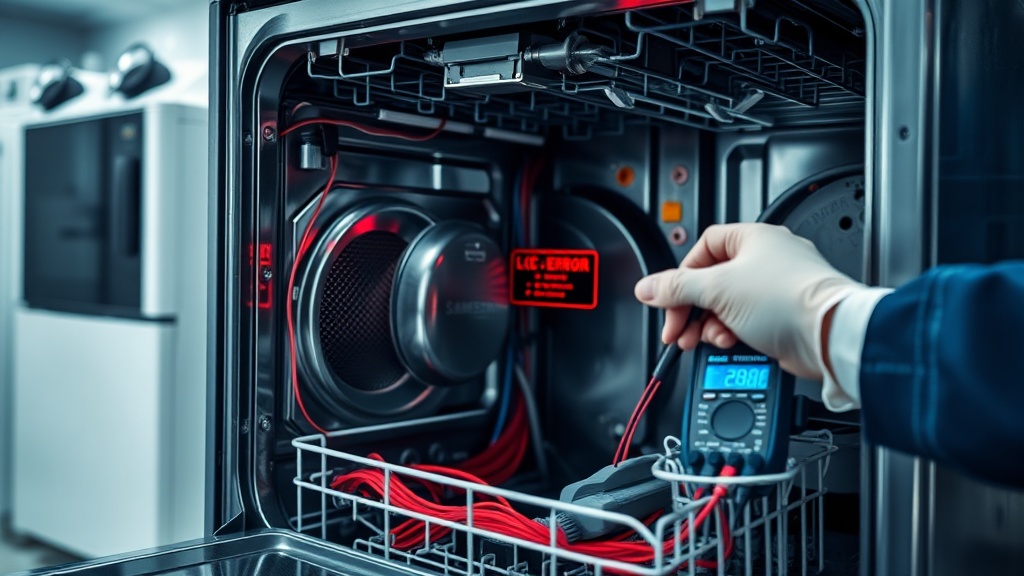
Troubleshooting the Samsung Dishwasher LC Error Code Leak Fix
Dealing with a Samsung Dishwasher LC Error Code Leak Fix can be frustrating, but it is often a simple DIY repair. This error triggers when the leak sensor at the bottom of the unit detects moisture or standing water.
Understanding the root cause is the first step toward restoring your appliance to full functionality. Most LC or LE codes are caused by minor blockages, unlevel installation, or simple sensor sensitivity rather than a major mechanical failure.
Common Causes of the LC Error Code
One frequent cause is a clogged spray arm nozzle which deflects water directly toward the door seal. If food particles block the holes, the resulting water pressure can force moisture past the gasket and into the base pan.
Another common issue is an unlevel dishwasher where the front is lower than the back. This causes water to pool near the door, eventually triggering the leak sensor located in the bottom tray.
Finally, over-tightened cabinet screws can warp the dishwasher frame. If the unit is pulled wider than 22 inches during installation, it creates gaps that allow steam and water to escape.
Step-by-Step Samsung Dishwasher LC Error Code Leak Fix Guide
Follow these systematic steps to diagnose and resolve the error code. Ensure you have basic tools ready before beginning the repair process.
| Step | Action | Tools Needed |
|---|---|---|
| 1 | Disconnect power by unplugging the unit or flipping the circuit breaker. | None |
| 2 | Clean spray arm nozzles to ensure water flows vertically and not toward the door. | Toothpick or Small Brush |
| 3 | Wipe the door gasket and ensure it is seated firmly in its groove. | Microfiber Cloth |
| 4 | Check the unit’s level; adjust the legs so the front is slightly higher than the back. | Spirit Level |
| 5 | Loosen cabinet mounting screws if the frame appears warped or stretched. | Screwdriver |
| 6 | Dry the base pan and sensor area thoroughly to clear the error code. | Hair Dryer (Cool Setting) |
[IMAGE_PLACEHOLDER]
Expert Tip for False Leak Codes
If there is no visible water but the code persists, the sensor may be reacting to high humidity. Tilt the dishwasher forward slightly to drain any trapped water from the base pan into a towel.
After draining, let the unit sit for 24 hours to air dry completely. Using a hair dryer on a “cool” or “no heat” setting can speed up this process without damaging the sensitive plastic components.
Recommended Replacement Parts
Disclaimer: This section contains affiliate links. We may earn a commission at no extra cost to you.
If your door seal is cracked or the spray arms are damaged, replacing them is essential for a permanent fix. High-quality OEM parts ensure a perfect fit and prevent future LC error recurrences.
Always verify your specific model number before purchasing replacement gaskets or sensors. Using genuine Samsung parts maintains the integrity of your appliance’s water-tight system.
FAQ
Can I bypass the LC error code?
There is no manual bypass for this safety feature. The sensor must be dry and free of moisture for the control board to clear the error and allow the cycle to start.
Why does the LC code appear after a move?
Moving the dishwasher often causes residual water in the internal hoses to spill into the base pan. Tilting the unit and drying the bottom tray usually solves this immediately.
Is the LC code the same as the LE code?
Yes, on most Samsung models, LC and LE both signify a leakage error. They indicate that the leak sensor has been submerged or dampened by water escaping the tub.