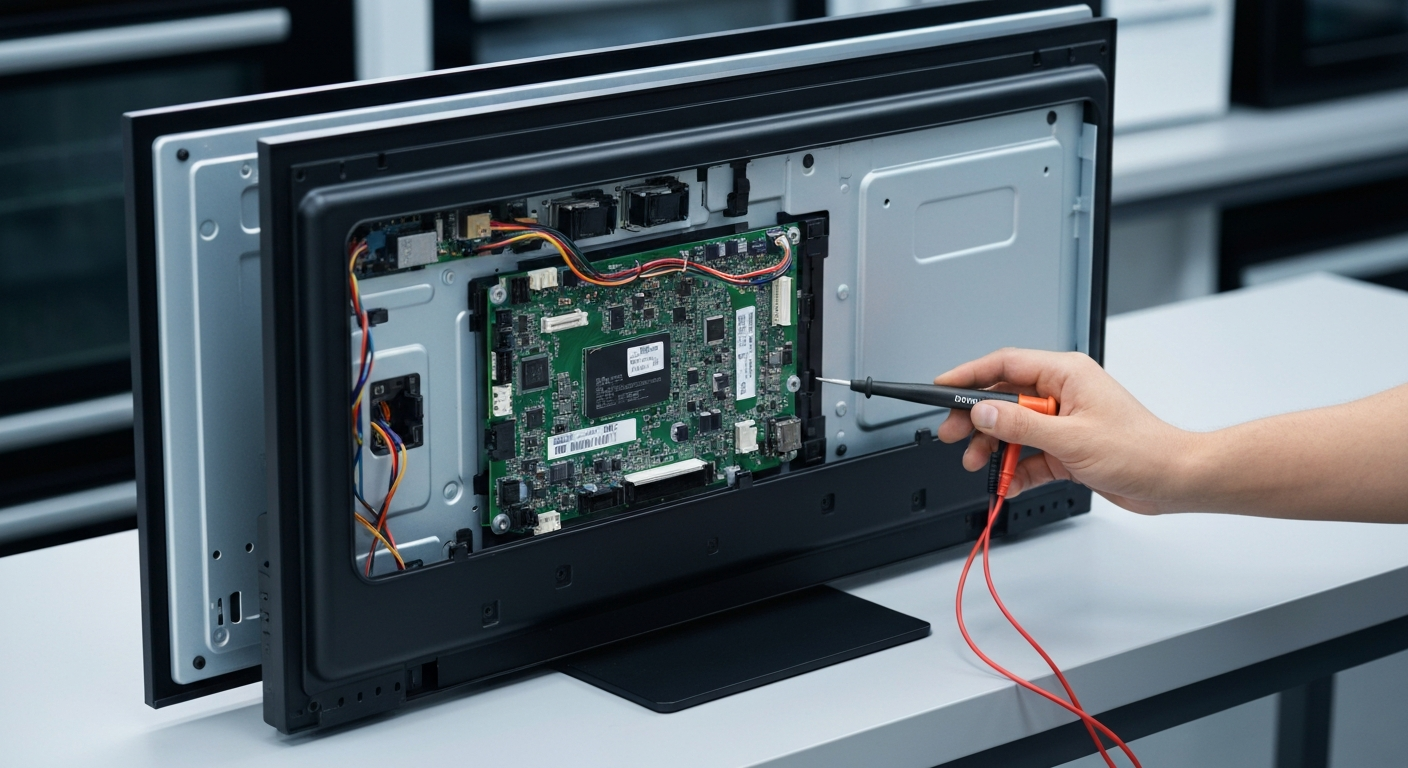
The Vizio Smart TV Rebooting Randomly error on Vizio Smart TVs is caused by external signal interference, power supply fluctuations, or internal hardware failures such as faulty capacitors on the power board. This frustrating issue often manifests as a continuous loop where the logo appears and then the screen goes black. Understanding the root cause is essential for implementing a permanent Vizio Smart TV Rebooting Randomly Power Board Fix.
Quick Summary: How to Fix Vizio TV Rebooting Issues
Before diving into complex hardware repairs, it is vital to rule out simple environmental factors. Many users find that their “broken” TV is actually responding to a stuck button on a secondary remote or a low-battery signal from a streaming stick. Always start with the least invasive troubleshooting steps to save time and money.
If the software and external checks do not resolve the cycling, the problem likely lies within the internal power delivery system. A professional Vizio TV power supply repair guide can help you identify if the capacitors are bulging or leaking. These components are responsible for stabilizing voltage, and their failure is a common reason for random reboots.
Step-by-Step Vizio Smart TV Rebooting Randomly Power Board Fix
Follow the structured guide below to diagnose and repair your television. This table outlines the progression from basic external checks to advanced hardware inspection. Ensure the TV is unplugged before attempting any internal physical repairs.
| Step | Action | Tools Needed |
|---|---|---|
| 1 | Remove batteries from all remotes (TV, Fire Stick, Roku) to stop ghost signals. | None |
| 2 | Bypass power strips and plug the TV directly into a grounded wall outlet. | None |
| 3 | Navigate to Admin & Privacy and perform a System Firmware Update. | Remote / WiFi |
| 4 | Perform a “Flashlight Test” to check for backlight failure vs. power board failure. | Flashlight |
| 5 | Open the back panel to inspect the power board for blown capacitors. | Screwdriver |
During the hardware inspection phase, look for capacitors that have a domed top instead of a flat one. This visual cue is a definitive sign that the component has failed and is no longer providing steady power. Replacing these specific parts or the entire board is the core of a Vizio Smart TV Rebooting Randomly Power Board Fix.
If you are uncomfortable with soldering, replacing the entire power board is a safer and faster alternative. You can find more details on software-related glitches in our Vizio Smart TV firmware update guide. Always match the part number printed on your original board to ensure compatibility with your specific model.
Recommended Replacement Parts for Vizio Smart TV Rebooting Randomly Power Board Fix
Disclaimer: This section contains affiliate links. We may earn a commission at no extra cost to you.
To successfully complete a hardware repair, you will need high-quality replacement components. We recommend purchasing a certified Vizio Power Board or a specialized capacitor repair kit designed for your TV series. Using OEM (Original Equipment Manufacturer) parts ensures that the voltage regulations meet the factory standards.
Always verify your TV’s model number, which is usually located on a sticker on the back of the device. Ordering the wrong board version can lead to further electrical issues or incompatibility with the main logic board. High-quality thermal paste and a precision screwdriver set are also recommended for a clean installation.
FAQ
Why does my Vizio TV keep restarting every few minutes?
This is usually caused by a “stuck” signal from a remote control or an unstable power supply. Try removing all remote batteries and plugging the TV directly into the wall to see if the rebooting stops.
Can a firmware update fix a Vizio TV that reboots randomly?
Yes, if the rebooting is caused by a software bug or a corrupted app, a firmware update can resolve the issue. Go to the System menu and check for updates while the TV is stable.
How do I know if I need a Vizio Smart TV Rebooting Randomly Power Board Fix?
If you have ruled out the remote and the wall outlet, and the TV still cycles, inspect the internal power board. Bulging capacitors or burn marks on the board are clear indicators that a hardware fix is required.