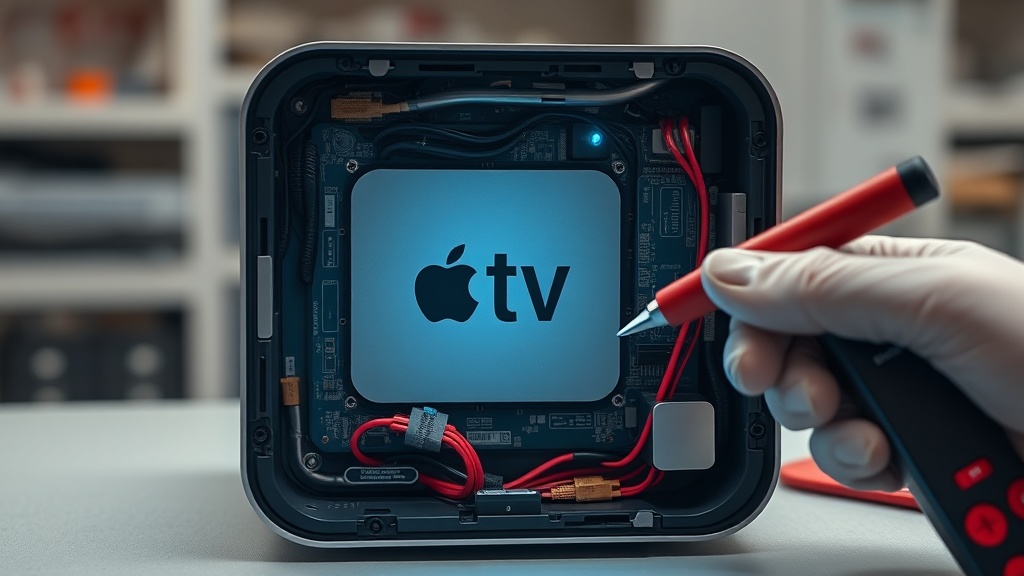
Experiencing the Apple TV 4K Blinking White Light Death Fix scenario can be incredibly frustrating for any home theater enthusiast. This rapid flashing usually indicates a critical system failure or a software boot loop that prevents the device from starting. Understanding the underlying cause is the first step toward restoring your streaming experience.
Understanding the Apple TV 4K Blinking White Light Death Fix
The Apple TV 4K Blinking White Light Death Fix is required when system software becomes corrupted or the boot process fails. Unlike older models, the 4K version lacks a USB port, making manual recovery difficult. The fastest solutions include a cold restart, checking HDMI stability, or performing a forced resolution reset before seeking professional Apple service.
The primary cause of this issue is often a “kernel panic” or a failed firmware update. Because the Apple TV 4K does not have a physical data port for consumers, you cannot simply plug it into a computer to restore it via iTunes or Finder. This hardware limitation makes the blinking light a high-difficulty repair for average users.
Common Causes of the Boot Loop
Software corruption is the most frequent culprit behind the blinking status light. This can happen if the power is interrupted during an automatic update or if the internal storage encounters a read/write error. In some cases, a faulty HDMI handshake can also trick the device into a failed boot state.
Environmental factors like power surges can also trigger this protective mode. If the device is not receiving consistent voltage from a power strip, the system may fail to initialize the hardware components. Always ensure your device is connected to a reliable power source during troubleshooting.
Step-by-Step Repair Guide
Follow the instructions in the table below to attempt a manual recovery of your device. These steps are designed to reset the system parameters without needing specialized hardware. If these methods fail, the issue is likely a deep-level software corruption.
| Step | Action | Tools Needed |
|---|---|---|
| 1 | Perform a Cold Restart by unplugging the power cable for at least 2 minutes. | None |
| 2 | Connect the power cable directly to a wall outlet instead of a power strip. | Wall Outlet |
| 3 | Force a Video Resolution Reset by holding ‘Back’ and ‘Volume Down’ for 5 seconds. | Siri Remote |
| 4 | Contact Apple Support for a firmware reinstallation if the light continues to blink. | Support Ticket |
[IMAGE_PLACEHOLDER]
During Step 3, the device will attempt to cycle through different resolutions every 20 seconds. Watch your television screen closely for any sign of the Apple logo or a setup menu. If an image appears, select “OK” to lock in that resolution and exit the boot loop.
Recommended Replacement Parts and Cables
Disclaimer: This section contains affiliate links. We may earn a commission at no extra cost to you.
Sometimes the blinking light is caused by a failure in the peripheral hardware rather than the Apple TV itself. Replacing your HDMI cable with a certified High-Speed 4K cable can often resolve signal handshake issues. Additionally, using a high-quality surge protector can prevent future software corruption caused by power fluctuations.
If your Siri Remote is unresponsive during the reset process, you may need a replacement to trigger the recovery commands. Ensure you are using an official Apple remote or a compatible MFi controller. Third-party remotes often lack the specific button combinations required for system-level resets.
FAQ
Why is my Apple TV 4K blinking white rapidly?
A rapidly blinking white light indicates that the device is in a recovery mode or has encountered a system error. This usually happens when the software fails to load properly or the hardware detects a critical boot failure.
Can I fix the blinking light using a USB-C cable?
No, the Apple TV 4K (1st, 2nd, and 3rd generation) does not have a USB port for user-end restoration. Unlike the older Apple TV HD, you cannot connect the 4K model to a Mac or PC to fix software issues.
Is the blinking light a sign of a hardware “death”?
Not necessarily, but it is a serious error. While it often points to software corruption, the lack of a physical recovery port means that if manual resets fail, only Apple can reinstall the firmware using proprietary tools.