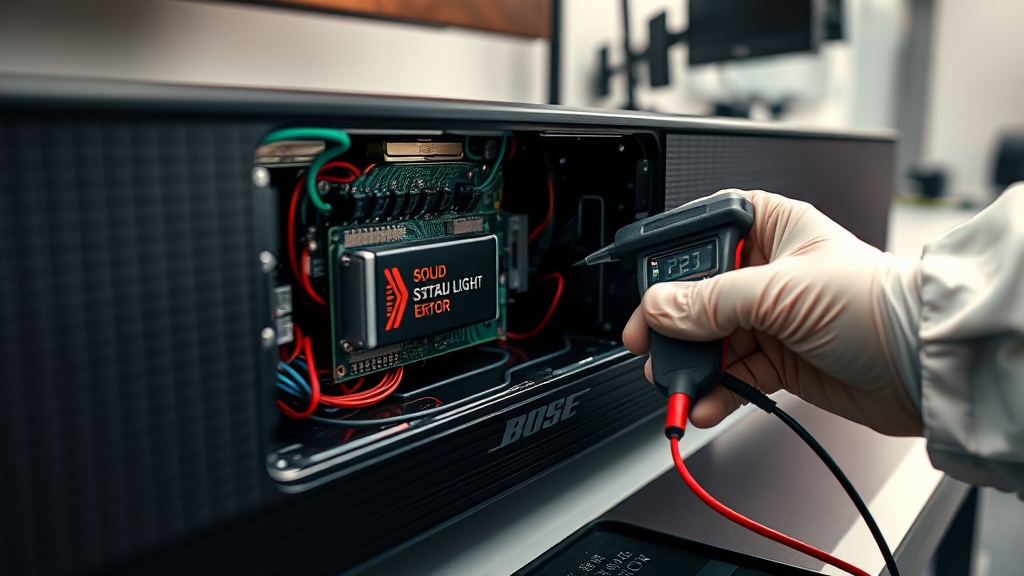
The Bose Soundbar 700 Solid Red Light Error Fix is caused by a critical hardware failure in the mainboard or a corrupted firmware update that prevents the system from booting. This specific error indicates that the soundbar’s internal operating system has failed to initialize correctly during the startup sequence. While some software glitches can be resolved at home, a persistent solid red light often points toward a physical component defect.
Understanding the root cause is essential before attempting any invasive repairs on your premium audio equipment. If your device is still under warranty, you should avoid opening the chassis to prevent voiding your coverage. For those out of warranty, following a systematic troubleshooting approach can help identify if the issue is a simple software hang or a total board failure.
Bose Soundbar 700 Solid Red Light Error Fix: Quick Summary
Before proceeding to advanced steps, ensure that all cables are securely connected and that your power source is stable. Many users find that a simple power reset resolves minor communication errors between the soundbar and the Bose Music app. If you are experiencing other issues, check our Bose soundbar error codes repair guide for more details.
Step-by-Step Troubleshooting Guide
Follow the table below to systematically address the solid red light issue on your Bose Soundbar 700. These steps range from basic resets to advanced recovery methods. Always ensure the device is placed on a flat, stable surface during the update process.
| Step | Action | Tools Needed |
|---|---|---|
| 1 | Hard Power Cycle: Unplug the power cord for 60 seconds and plug it back in. | None |
| 2 | Factory Reset: Hold ‘Power’ and ‘Mute’ on the remote for 10 seconds. | Remote Control |
| 3 | Forced Update: Connect an Ethernet cable and use the Bose update website. | LAN Cable / PC |
| 4 | Professional Service: Contact Bose support if the light remains solid red. | Service Ticket |
If the red light appears after the soundbar has been booting for about five minutes, it confirms the system cannot load the OS. This is a common symptom of a corrupted flash memory chip on the mainboard. For more general audio issues, refer to our Bose audio system troubleshooting guide.
Recommended Replacement Parts
Disclaimer: This section contains affiliate links. We may earn a commission at no extra cost to you.
When the solid red light persists after all reset attempts, the internal mainboard is likely defective. Replacing the mainboard is a complex task that requires precision tools and compatible parts. We recommend sourcing genuine Bose components to ensure the longevity of your soundbar.
If you are uncomfortable with internal repairs, consider the Bose Trade-in program. This program often allows you to exchange a defective unit for a discount on a newer model. This is often more cost-effective than paying for out-of-warranty labor and parts.
FAQ
Can a firmware update cause a solid red light?
Yes, if the power is interrupted or the Wi-Fi signal drops during a firmware installation, the system files can become corrupted. This results in a “bricked” state indicated by the solid red light. Using a wired Ethernet connection for updates is the best way to prevent this.
Is the solid red light always a hardware failure?
Not always, but it is a high-probability indicator of hardware issues. If a factory reset does not change the light status, the internal circuitry is likely unable to communicate with the processor. In such cases, software-based fixes will not work.
How much does it cost to fix a Bose Soundbar 700 red light?
Out-of-warranty repairs through Bose can range from $150 to $250 depending on your region. This usually covers a full board replacement or a refurbished unit swap. Local repair shops may charge less, but they might not have access to proprietary Bose diagnostic tools.