Understanding the Sony Bravia TV 6 Red Blinks Error Backlight Fix
Experiencing a sudden shutdown followed by a rhythmic flashing light is a common issue for many owners seeking a Sony Bravia TV 6 Red Blinks Error Backlight Fix. This specific diagnostic code is the television’s way of communicating a critical failure within the backlight system. In most cases, the internal protection circuit triggers this shutdown to prevent further electrical damage to the mainboard.
The root cause of this error is typically a hardware malfunction where the LED strips inside the panel have burnt out or are drawing incorrect current. Models like the KLV46EX430 are known to trigger this error after 10 to 15 minutes of operation as heat causes voltage fluctuations. When the Power Supply Unit (PSU) detects these irregularities, it enters a “Protect Mode” to safeguard the components.
Step-by-Step Repair Guide for Backlight Failure
Repairing a modern LED TV requires patience and a steady hand, especially when handling the fragile liquid crystal display. Before starting, ensure you have a clean, dust-free workspace to prevent debris from entering the panel layers. Follow the technical steps outlined in the table below to diagnose and resolve the issue.
[IMAGE_PLACEHOLDER]
| Step | Action | Tools Needed |
|---|---|---|
| 1 | Perform a Soft Reset by holding the Power button on the remote for 5 seconds to rule out software glitches. | TV Remote |
| 2 | Disassemble the chassis and use an LED tester to check the voltage and illumination of each individual strip. | Screwdriver, LED Tester |
| 3 | Carefully lift the LCD panel using suction jigs and replace the entire set of defective LED strips. | Suction Jigs, New LED Strips |
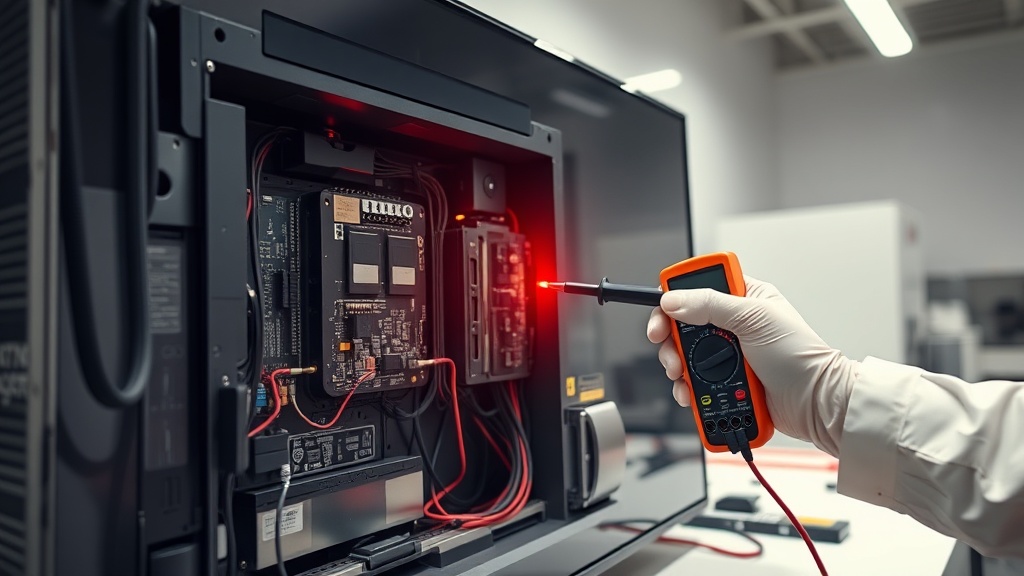
| 4 | Verify the output voltage from the Power Supply Board to ensure the backlight control circuit is stable. | Digital Multimeter |
It is vital to remember that you should never replace just a single LED bulb on a strip. Replacing individual diodes creates a voltage imbalance that often leads to another failure within weeks. Always replace the full set of strips to ensure uniform brightness and long-term reliability.
Recommended Replacement Parts for Sony Bravia TV 6 Red Blinks Error Backlight Fix
Disclaimer: This section contains affiliate links. We may earn a commission at no extra cost to you.
Finding high-quality replacement parts is essential for a successful repair. We recommend sourcing your LED strips from reputable vendors like ShopJimmy rather than generic marketplaces to ensure compatibility. Using the exact part number found on the back of your TV panel will prevent synchronization issues with the power board.
Expert Tips for a Successful Repair
Always use professional-grade suction jigs when moving the glass panel to avoid cracking the delicate layers. Even a microscopic crack can render the entire television useless, making the repair attempt a total loss. Additionally, keep the internal diffusers and filters in the exact order they were removed to maintain picture uniformity.
FAQ
Why does my Sony TV blink red 6 times?
The 6-blink sequence is a specific error code for a backlight failure. It means the TV has detected a problem with the LED strips or the inverter circuit that powers them.
Can I fix the 6 red blinks error without opening the TV?
You can try a factory reset or a firmware update, but these rarely fix the 6-blink error. Since this is almost always a hardware failure involving the LEDs, physical repair is usually required.
Is it worth repairing a Sony Bravia with this error?
Yes, if you perform the repair yourself or find an affordable technician, it is much cheaper than buying a new TV. The cost of LED strips is relatively low compared to the price of a new 4K display.